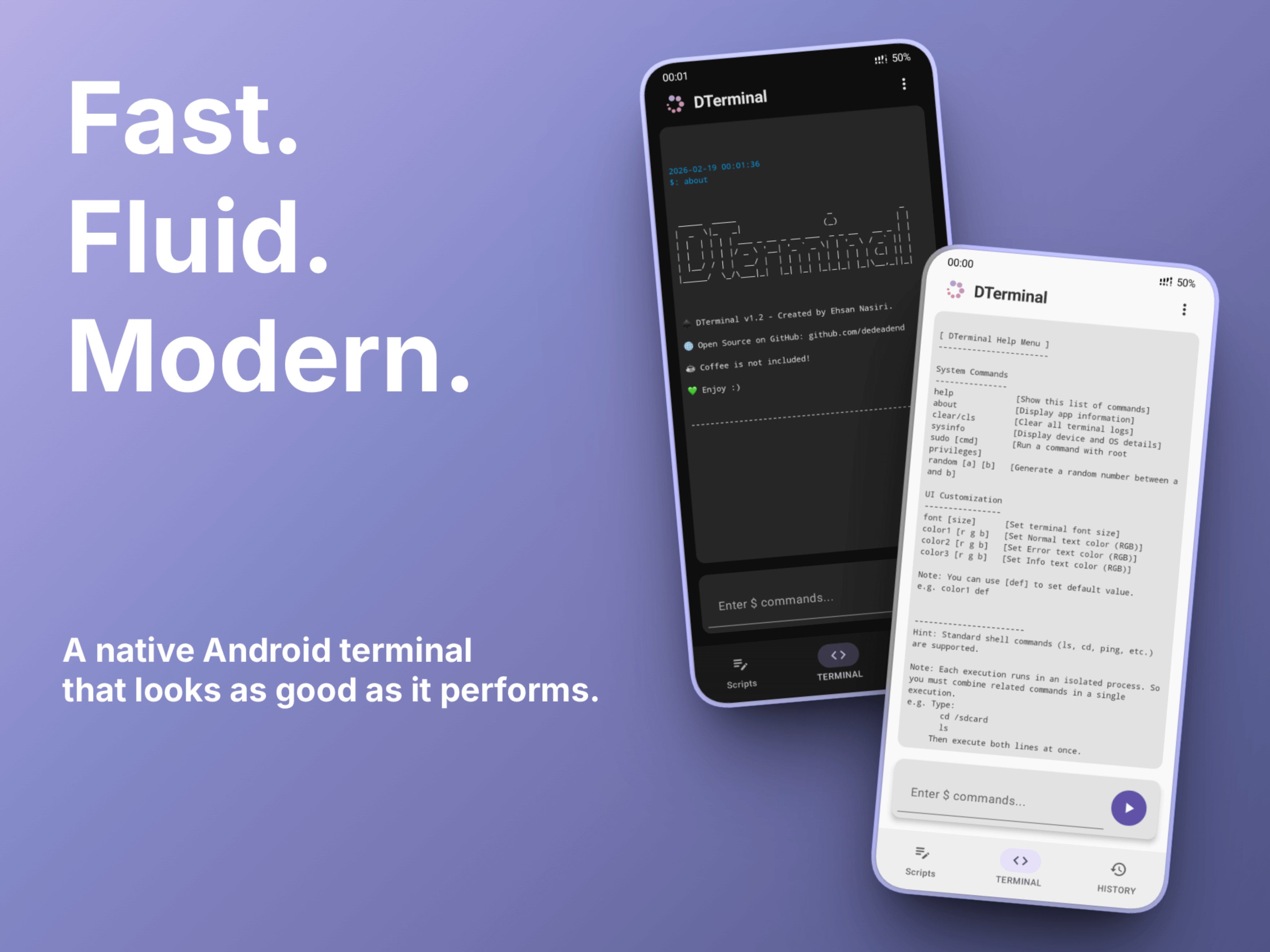


A next-generation terminal emulator for Android that redefines the mobile shell experience.
Built from the ground up with Jetpack Compose, DTerminal combines the raw power of standard and root shells with a lightning-fast, minimalist interface. It’s the perfect balance of s1mple aesthetics and professional power.
Forget clunky, dated terminal interfaces. DTerminal is engineered for instant startups and fluid interaction. With its reactive UI and asynchronous command engine, you get a high-performance environment that responds without a millisecond of lag.
- 🔓 Full Shell Authority: High-speed execution for both standard (sh) and root (su) commands.
- 🎨 Real-time Modern UI: Instant, reactive customization of fonts and colors—see your changes as you type.
- 🚀 Ultra-Lightweight: Optimized for speed and low battery consumption using the latest Material 3 standards.
| ⚡ Persistent Scripting | 📜 Smart Command History |
|---|---|
 |
 |
| A smart workspace to save and execute your custom scripts, eliminating repetitive mobile typing. | Persistent access to your command history in a clean, organized layout. |
- Android 8.0+ "Oreo"
- (Optional) Root access for su commands
- Download the latest released APK from the Releases Page.
- Install downloaded APK file.
- Enjoy 💚
Since DTerminal is a newly released, self-signed APK not yet distributed via the Play Store, Google Play Protect may flag it as "Unknown". As an open-source project, you can always audit the source code yourself or build the APK from source to ensure total transparency.
DTerminal extends standard shell functionality with integrated custom commands:
| Command | Usage | Description |
|---|---|---|
help |
help |
Show list of custom commands |
about |
about |
Information about DTerminal |
clear/cls |
clear |
Clear all terminal logs |
sysinfo |
sysinfo |
Display device and OS details |
random |
random <a> <b> |
Generate a random number between a and b |
sudo |
sudo <cmd> |
Run a specific command with root privileges |
font |
font <size> |
Set terminal font size |
color |
color <r> <g> <b> |
Set terminal text color |
- UI: Jetpack Compose (Material 3)
- Architecture: MVVM + Clean Architecture
- Dependency Injection: Hilt
- Database: Room
- Concurrency: Kotlin Coroutines & Flow
- Build System: Gradle (Kotlin DSL)
Contributions make the open-source community an amazing place to learn, inspire, and create. Any contributions you make are greatly appreciated.
- Fork the Project
- Create your Feature Branch
git checkout -b feature/AmazingFeature - Commit your Changes
git commit -m 'Add some AmazingFeature' - Push to the Branch
git push origin feature/AmazingFeature - Open a Pull Request
You can find me at

If you find this project helpful, you can buy me a coffee

Distributed under the GPL-3.0 License. See LICENSE for more information.